Mind Map
Branch ideas from a central topic to explore connections and discover patterns.
Drawing tools and games, design thinking, simulators, mockups and digital tools for design classrooms. Free to open, no login, nothing to install.
Branch ideas from a central topic to explore connections and discover patterns.
Write what you think you know about your user, plan how to find out, then mark each guess right or wrong.
Plan open questions for a real person, then record what they said and what surprised you.
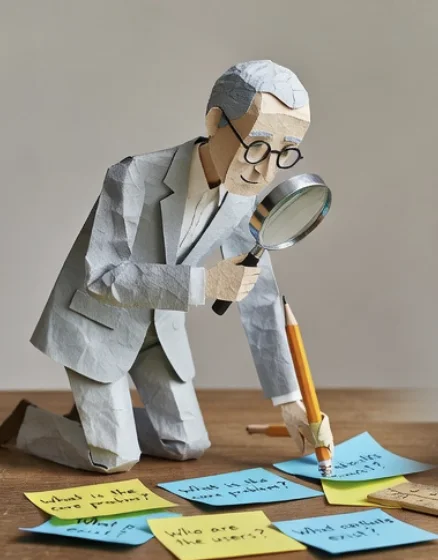
Watch someone do the task: note what they do, how they do it, then guess why.
Try your user's task with one thing changed, and log what was hard, how it felt and how you got round it.
Map what users say, think, do, and feel to build deep understanding.
Trace a user's experience step by step to find pain points and opportunities.
Identify who your design affects and what they need from it.
Create a fictional user profile based on real research data.
Define who you're designing for — demographics, needs, and context.
Look to nature for design inspiration and sustainable solutions.
Group and organize ideas into natural clusters to find themes.
Dig to the root cause of a problem by asking "why?" five times.
Map all possible causes of a problem in a structured visual.
Evaluate Strengths, Weaknesses, Opportunities, and Threats.
Connect concepts with labeled relationships to show understanding.
Visualize how parts of a system interact and influence each other.
Set clear success criteria your design must meet.
Map user needs as "As a... I want... So that..." stories.
Distill your research into a clear problem statement.
7 thinking strategies to transform existing ideas into new ones.
Expand a central idea into 8 themes, then 8 sub-ideas each.
Brainstorm bad ideas first, then flip them into real solutions.
Combine features across categories to generate novel combinations.
Free-form idea generation with visual web connections.
Break big ideas into smaller branches of sub-ideas.
Silent brainstorming: write, pass, build on others' ideas.
Look at a problem from 6 different thinking perspectives.
Map how your design creates value for users.
Plan a focused 5-day design sprint process.
Collect visual inspiration to guide your design direction.
Sketch a sequence showing how users interact with your design.
Document detailed technical requirements for your design.
Track changes and improvements across design iterations.
Rapid sketching with timer to explore ideas visually.
Evaluate ideas by listing Plus, Minus, and Interesting points.
Score options against weighted criteria to make informed choices.
Democratic prioritization: everyone gets limited votes.
Compare options head-to-head in pairs to find the best.
Hand what you made to the person it is for: note what they did, where they got stuck and what they said.
Organize feedback into likes, wishes, questions, and ideas.
Plot ideas on a 2×2 grid of impact vs effort to prioritize.
Build rubrics for self, peer, or teacher assessment.
Structured peer feedback with sentence starters.
Reflect on your portfolio with structured self-evaluation.

Sketch a sequence showing how users interact with your design.
Reflect on your portfolio with structured self-evaluation.
Test an idea before anyone cuts material. Students change one thing and watch what happens.
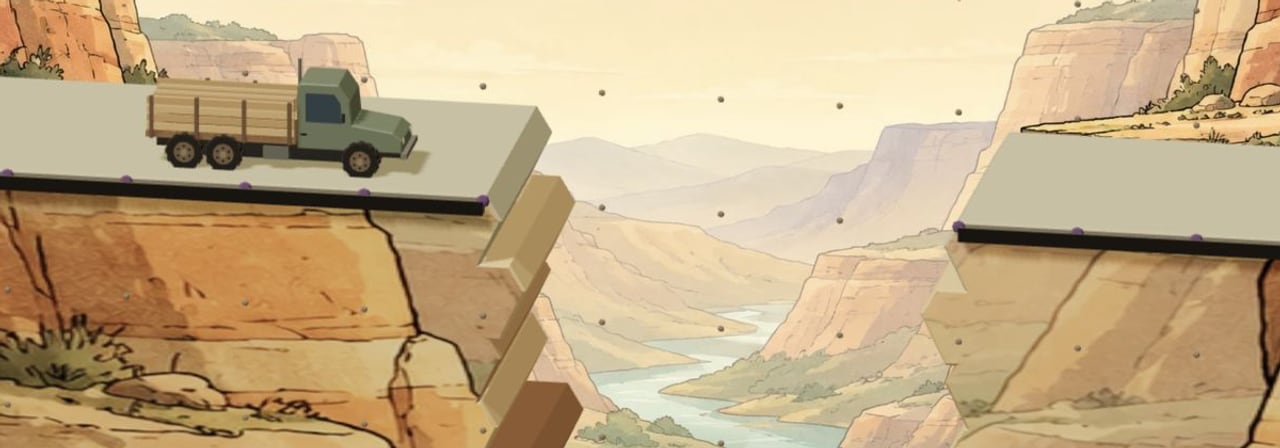
Build and test bridges in 3D across ten challenges, from timber and cable to paper tubes, rope, aluminium and steel.
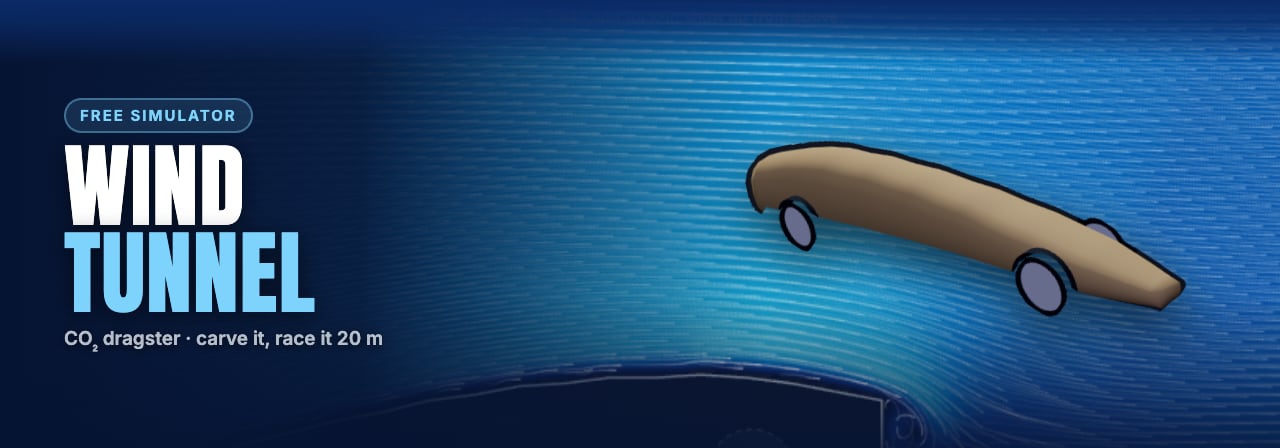
Carve a dragster body or bring your own STL, watch the air separate from it, then race it over 20 m.
A whole-class financial literacy simulation: every student runs a street stall for a hard month, and money, family and rest all pull against each other.
See a design on the real thing, with the manufacturing limits shown while you work.
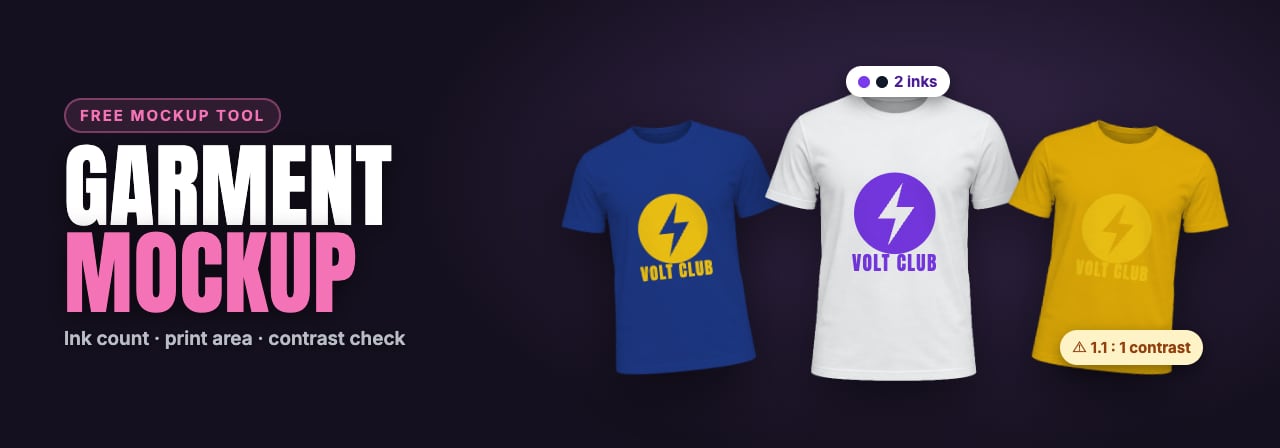
Put your own artwork on a t-shirt, front, back or sleeves, in any colour, at the size it would really print.
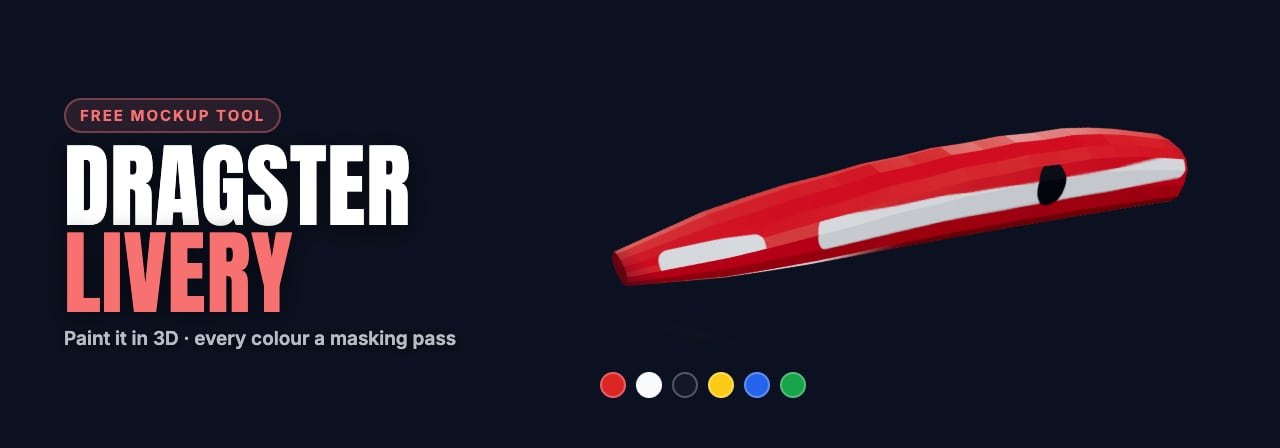
Paint a CO₂ dragster in 3D: try paint designs on the model with a brush, shapes, fill and your own pictures. Every extra colour costs another masking pass.
Prepare a design for making: generate a plywood box or turn your artwork into an SVG for cutting, engraving and printing.
Design a plywood box in 3D. Add measured holes, lettering and image engraving, or trace artwork to cut. Download a free SVG.
Turn a logo, a drawing or a photo of a drawing into a clean vector file, with the background removed and colours split into flat inks.
Practise orthographic, isometric and oblique drawing, or build an object from its three views. Check your work as you go and print worksheets with answers.
Try drawing one box in perspective. Register for the pilot to request the full 20-lesson course, more objects and a private saved sketchbook.
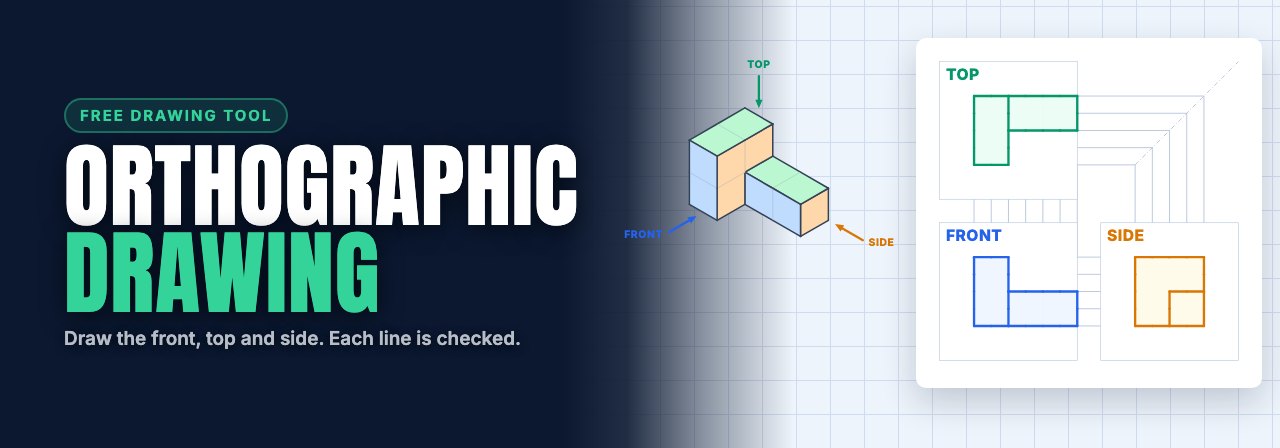
Look at a 3D object and draw its front, top and side views on a sheet that checks your lines. 32 shapes, from blocks to slopes and curves.
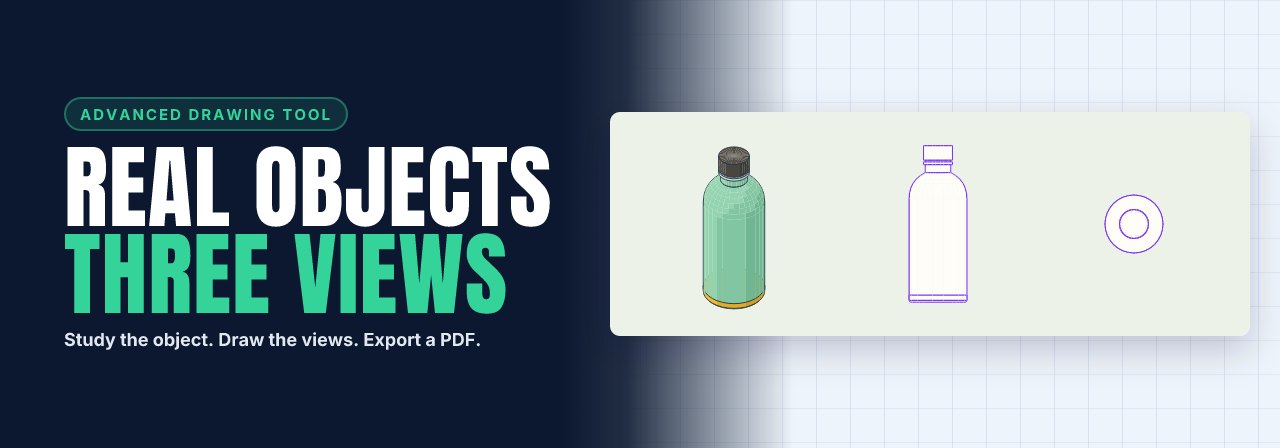
Practise orthographic drawing with real objects and curved tools. Draw three views, compare self-check overlays and export a PDF. Searchable object library.
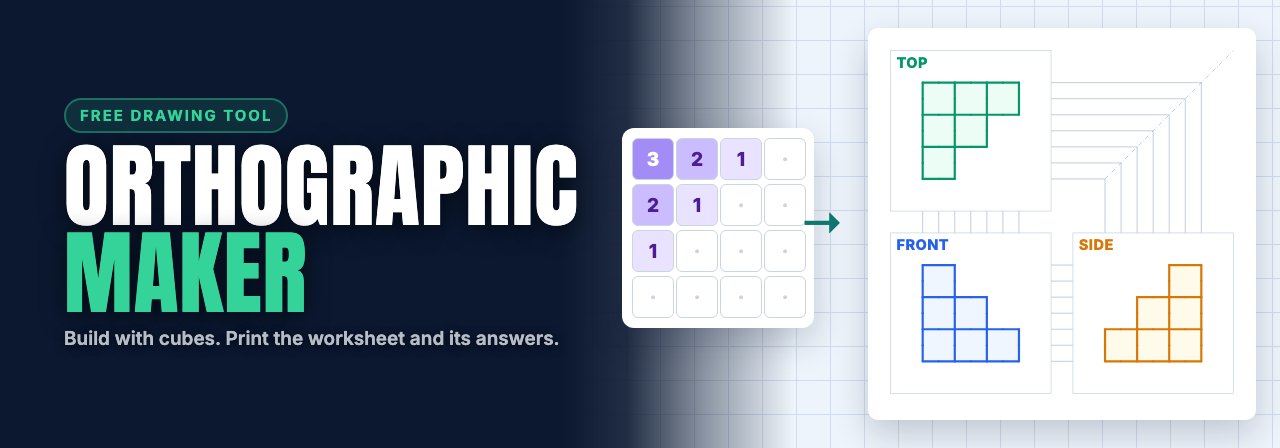
Build a shape from cubes and its three views are drawn as you go. Print it as a worksheet with answers, or send a class a link to draw it.
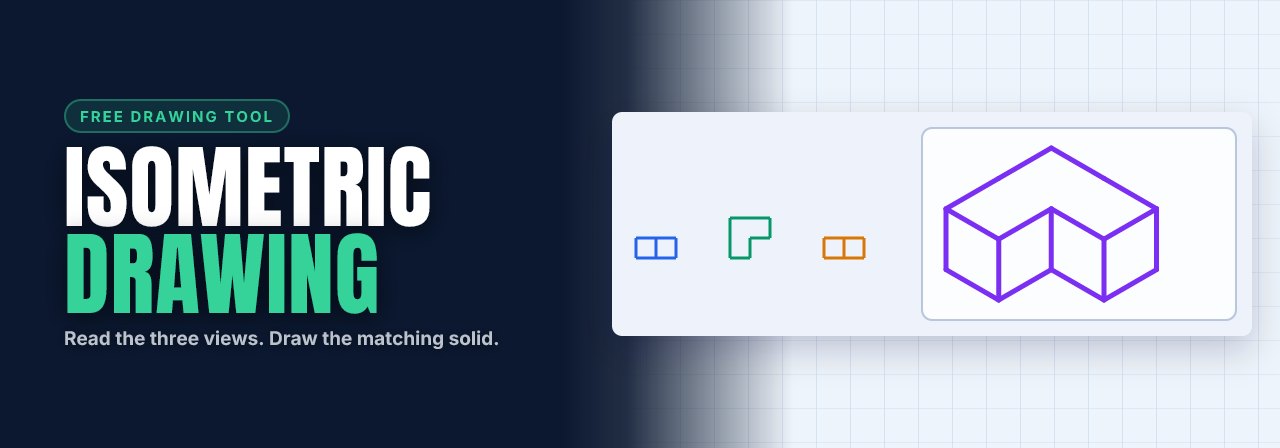
Read front, top and side views, then draw the matching solid on 30° dot paper. Sixteen challenges check your lines without showing the object first.
Draw front, top and side views to repair a storm-dark lighthouse. Four chapters introduce stepped blocks, L-shaped parts and hidden lines.
Draw isometric blocks to shelter a campfire. Six campsites progress from matching solids to fitting stepped wall bricks and planning stable stacks.
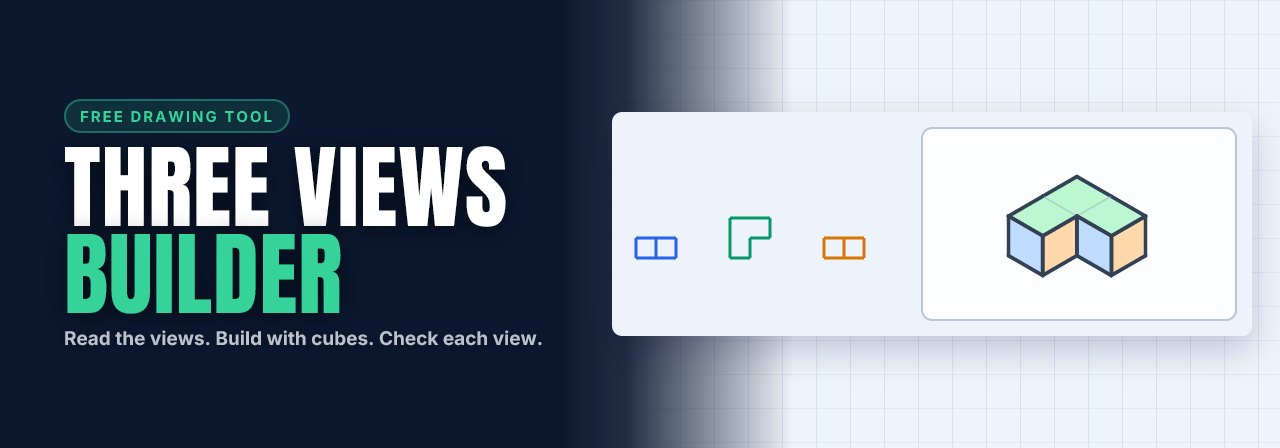
Read front, top and side views and build a matching object from cubes. Sixteen challenges accept any construction whose three views match.
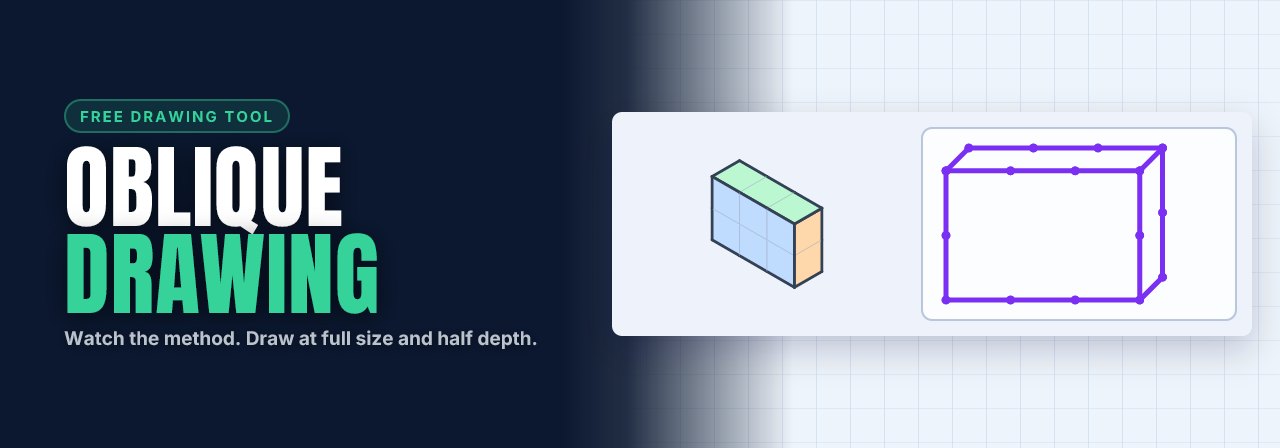
Watch the click-by-click demonstration, then draw eight cabinet oblique boxes. Front full size, depth at 45° and half length. Check your lines as you go.
Bring supported thinking tools, simulators and mockups into lessons, set to your brief, with students' work kept as evidence.
Thinking tools, simulators and mockups become lesson activities, with your constraints: the span, the ink budget, the paint rack.
Thinking-tool work, bridges, liveries and t-shirt designs save with each student, so you can see them and mark them.
Each student's process, from first idea to prototype, in one place, so you can see the thinking and not only the result.